Address
Work Hours
Address
Work Hours

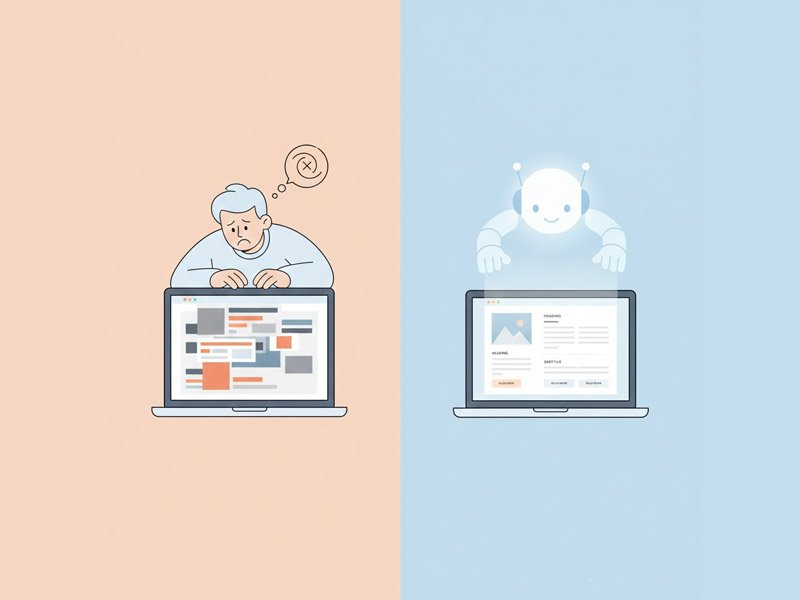
This simple guide explains how Webflow AI removes the pressure of design by instantly generating clean, professional starting layouts, allowing beginners to refine instead of fighting the blank page.
There’s a unique kind of pressure that shows up when you open a visual builder like Webflow, and the Webflow AI Beginner Guide is here to relieve it.
It’s not the same as picking a template. It’s not the same as dragging elements around.
It’s deeper—because Webflow gives you real control. And that control can feel overwhelming.
Beginners often describe the moment Webflow loads like this: “I don’t want to break anything… but I don’t want it to look cheap either.”
You want a clean layout. You want your site to feel trustworthy. You want it to look like the websites you admire.
But then the doubts hit: Why does this spacing look wrong?
Why doesn’t my section look balanced? Why do other sites look effortless and mine looks unfinished?
The fear of “messing up” makes people freeze. They start second-guessing everything. Sometimes they don’t even publish.
Webflow AI steps in at that exact moment—when your vision is clear but the layout feels impossible to get right.
It helps you move forward with structure, clarity, and confidence instead of wrestling with endless design decisions alone.
Many beginners don’t talk about this part openly, but it’s real: Webflow feels serious. It feels like the place where real designers work.
So when your layout looks unbalanced or awkward, it hits your confidence fast.
Common thoughts include:
This creates a heavy emotional cycle:
→ You overthink every spacing choice → You tweak endlessly → You lose the original idea → You feel like you’re failing at something that should be simple
This is the frustration Webflow AI helps ease. It doesn’t replace your creativity. It removes the starting pressure—the part where everything feels wrong before anything feels right.
Idea → Structure → Layout → Visuals → Build → Publish
Webflow AI fits across Structure → Layout → Build. The tool gives you usable starting layouts, section structures, and even editable component ideas so that you’re never starting from scratch.
This keeps you moving forward without the “I’m stuck again” moments that slow beginners down.
Webflow AI helps by generating:
And the emotional impact is immediate:
Your page stops looking like a struggle. It starts looking like a real website. You stop questioning your abilities. You start refining something that already feels right.
(VA NOTE → Insert Webflow affiliate link here )
Use Case: Fixing a Messy Layout When You Don’t Know What’s Wrong
Everyone who starts in Webflow hits this moment at least once:
You have all the pieces… but the spacing looks odd, the text alignment feels off, and the section overall feels “wrong” and you can’t explain why.
Here’s how Webflow AI helps transform that moment:
You give Webflow AI a simple prompt: “Create a clean, modern feature section with three benefits, icons, and balanced spacing.”
Within seconds, you get a layout that looks intentional.
Not perfect. Not final. But clean enough that you can finally breathe.
The emotional shift is powerful:
(observational only—not instructional)
Other tools that fill a similar role:
The workflow stays the same.
Idea → Structure → Layout → Visuals → Build → Publish
Webflow AI just fills the Layout/Build roles.
The core struggle in Webflow is often one of confidence, not competence. When a beginner feels their layout looks “cheap” or “unprofessional” , the impulse is to freeze or constantly rework, which kills momentum. The Webflow AI Beginner Guide workflow helps replace that crippling doubt with immediate, usable results. By instantly generating sections that adhere to visual best practices—like proper spacing, alignment, and information hierarchy —Webflow AI hands the beginner a foundation that already “feels right”. This allows them to shift their focus from fixing fundamental flaws to the enjoyable process of adding content and refining details. Ultimately, this accelerated flow is what pushes the beginner past the fear of failure and toward finally hitting publish. This essential Webflow AI Beginner Guide removes the emotional friction from the process.
Explore more layout and website-building tools → visit page
Try Webflow Ai now.