Address
Work Hours
Address
Work Hours

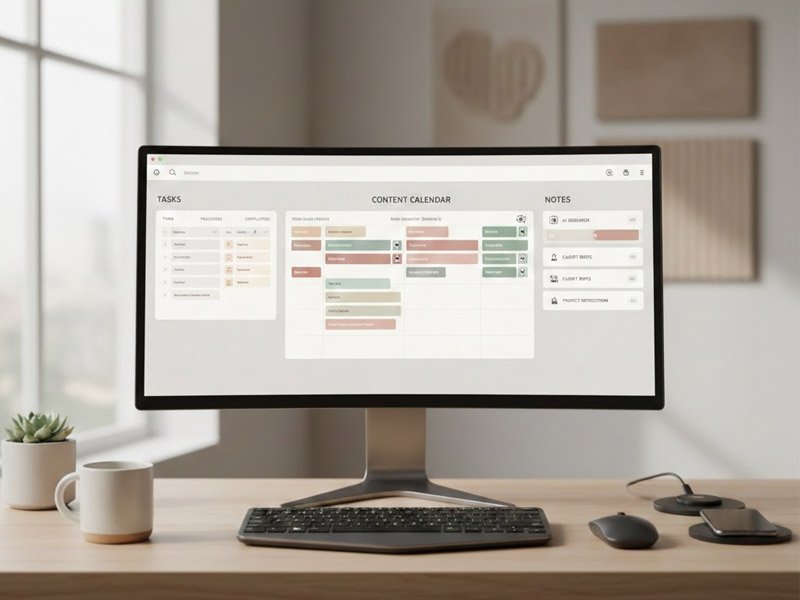
Notion AI for freelancers helps you organize tasks, ideas, and projects into one simple workspace. Learn how it reduces mental clutter and supports smoother, more focused workflows.
Notion AI for freelancers can be a powerful way to stay organized when work becomes overwhelming.
Keeping everything in your head—ideas, deadlines, tasks, drafts—gets overwhelming fast.
Notion AI helps by giving you a single place to store and organize everything you’re working on.
This guide shows how Notion AI helps simplify your workflow, reduce mental clutter, and create systems that actually stick—even when your schedule gets hectic.
When your workflow is scattered across notebooks, apps, and random documents, it becomes harder to focus.
Notion AI brings everything into one workspace so you don’t have to mentally juggle different platforms. Instead of remembering where something is stored, you always know where to look.
It works as both a storage space and an active assistant that helps you organize information, not just collect it.
Notion AI supports everyday work by helping with:
Having everything in one workspace removes a lot of confusion.
Instead of searching across folders, apps, and browser tabs, you work from one organized system.
This alone reduces friction and mental fatigue.
People use Notion AI to track and manage:
Instead of recreating your process every time, you build a template once and reuse it.
Notion becomes your “home base” for projects, ideas, and workflows.
Not only does it store information, it helps you structure it into usable systems.
Notion fits naturally into a larger freelance or content workflow.
People often pair it with:
Notion keeps everything connected so you always know where things live.
Instead of jumping between tools blindly, Notion becomes the control center that holds your ideas and processes together.
Notion is effective because it replaces scattered notebooks, apps, documents, and loose ideas with one organized system.
People often feel more relaxed and in control when:
That sense of control reduces stress and makes it easier to stay consistent with work.
No.
Alternatives include:
You can build a similar workflow using many tools.
However, Notion stands out because of how easily it blends organization, writing, systems, and AI into one environment.
This site will explore different setups so you can choose what fits your thinking style and workflow best.
For freelancers, online creators, and remote workers, Notion AI offers something valuable:
clarity.
When you’re managing multiple projects, clients, and ideas, things can blur together.
Notion AI helps separate and structure them.
Instead of relying on memory or scattered notes, you build a system that grows with your work.
And when things get busy, that system is what keeps you grounded.
Try Notion → click here