Address
Work Hours
Address
Work Hours

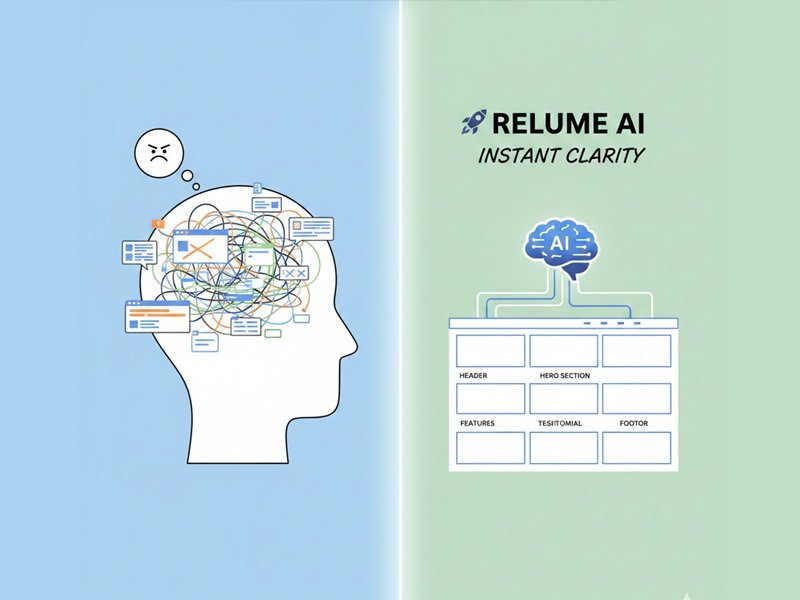
This simple guide shows beginners how Relume AI removes the heaviest part of website planning by giving you a clear, achievable structure instantly.
There’s a certain kind of frustration that hits you right when you try to plan a website, and the Relume AI Beginner Guide is designed to fix that.
Not even designing it—just planning it.
You sit down to map out pages and sections, and suddenly the entire project feels too big.
You don’t know where each part should go. You don’t know what your homepage needs. You don’t know if your layout makes sense… and the more you think about it, the heavier it feels.
You start questioning everything:
“Do I even know what I’m doing?” “What if I forget something important?” “What if my site ends up looking random or unprofessional?”
This kind of uncertainty doesn’t just slow people down—it stops them entirely.
Relume is the tool that removes that part of the process.
It doesn’t design your site for you—it gives you the structure you need to finally move forward.
This guide breaks down why Relume helps so many beginners and how it fits into a simple, calm workflow.
Planning a website is hard because it requires thinking like a designer, writer, and strategist all at once.
Beginners often describe it as: “Everything feels important, so I don’t know what to prioritize.”
You start imagining pages, then worry they’re too empty… Then you add sections, and suddenly the page feels too long… Then you remove things… only to realize the site is missing something important.
This back-and-forth can feel like a trap.
It creates:
And the worst part?
Most people don’t even get far enough to start designing.
They get stuck before they begin.
Relume helps break that cycle by giving you a clear starting structure—something concrete you can react to instead of battling a blank page.
Every post follows the same core system because it works: Idea → Structure → Layout → Visuals → Build → Publish
Relume belongs in the Structure stage.
It gives you the blueprint before you move into design, visuals, or building.
Once the structure is clear, everything that follows becomes easier and less emotional.
Instead of building a website from chaos… you’re building it from clarity.
Relume AI instantly generates:
But the real value isn’t the structure itself—it’s how the structure makes you feel.
You finally see a full website plan that:
Relume removes the heaviest part of planning: the fear of not knowing what a website “should” look like.
When beginners see their project mapped out visually, confidence rises and overwhelm fades.
Use Case: Planning a Full Website When You Feel Completely Lost
This is one of the most common—and emotionally draining—web-building problems:
You don’t know how many pages your site needs, what goes on each page, or how to organize everything.
People describe feeling:
Here’s how Relume changes that experience:
You type a simple prompt: “Create a complete website structure for a beginner-friendly online service business. Include a homepage, services page, about page, contact page, and optional extras that make sense.”
Relume instantly returns:
Then something important happens…
You see the site.
Not the design. Not the colors. Not the images.
Just the structure—clear, simple, and achievable.
You stop feeling lost. You stop overthinking. You stop worrying about whether you’re “doing it wrong.”
Relume gives you something to respond to instead of something to fear.
From that moment forward, your project finally moves.
(observational only—not instructional)
Most beginners feel relief the moment they’re given a visual structure.
Relume creates that moment instantly.
It shifts people from:
The emotional weight lifts because the “unknown” part of website planning disappears.
No—other tools can support this “structure first” role:
Each tool can replace Relume in the same role if your preferences change.
The workflow stays intact.
Your power comes from the workflow: Idea → Structure → Layout → Visuals → Build → Publish
Relume just fills the Structure step.
If you switch to another tool, the system still works perfectly.
This keeps everything flexible, sustainable, and beginner-friendly.
The challenge for most newcomers isn’t mastering a complex design tool; it’s simply starting. The initial steps—figuring out the hierarchy of pages and the essential components of a homepage—are the biggest psychological barriers. This Relume AI Beginner Guide highlights that the tool’s true power is its ability to bypass these emotional roadblocks entirely. Instead of staring at a blank page, you get an immediate visual response to your simple text prompt. This is critical because it replaces “analysis paralysis” with the easier task of “editing and refining”.
A quick, concrete structure from Relume allows you to immediately answer key questions: Does this page need a testimonial section? Should the contact page be simpler? Because the structure is already visible, you’re not inventing; you are simply making fast, low-stakes decisions. This accelerated decision-making process is the true heart of the workflow and what makes a proper Relume AI Beginner Guide so essential for sustainable web building. It ensures you spend your time building and writing, not second-guessing yourself at the starting line..
Explore more AI website and visual workflow tools → click here
Learn more about Relume.